 RetroReady
A guide to the Game Boy Camera and Game Boy Printer
How the Game Boy Camera and Printer work, their colours, compatible systems, and what to look for when buying them.
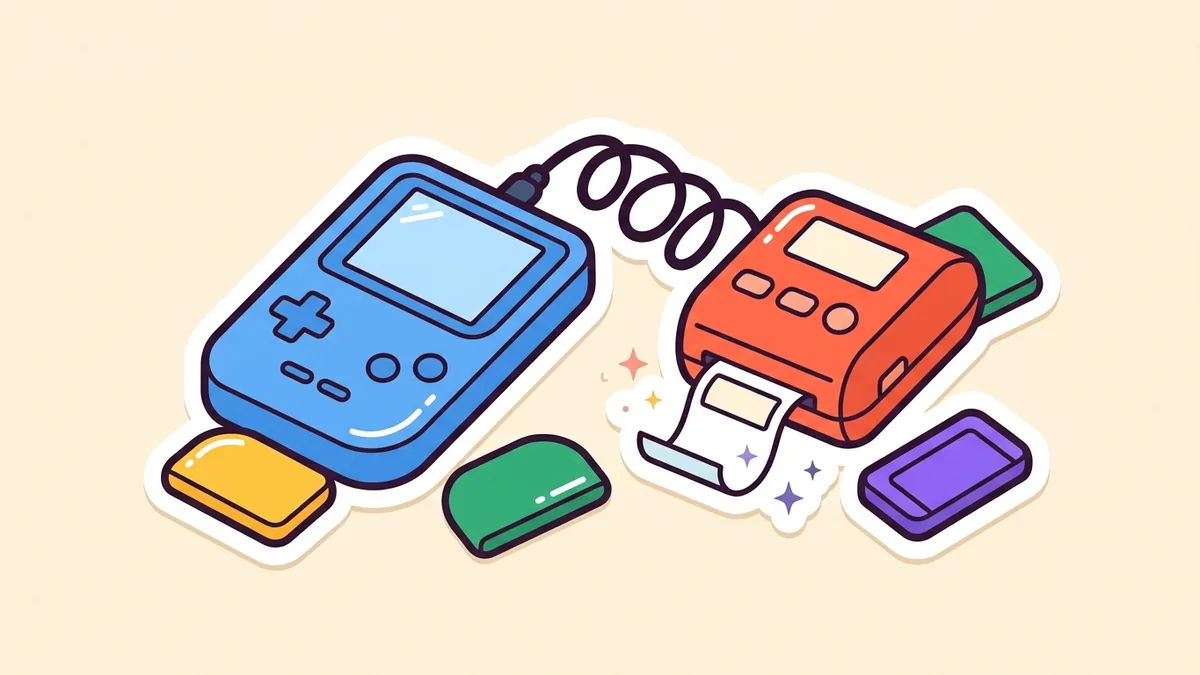
What did the Game Boy Camera do?
The Game Boy Camera is a digital camera accessory that captures grayscale photos and stores up to 30 pictures in cartridge memory. It uses a 180-degree swivel lens to take regular photos or selfies, with fixed focus and a working distance of 20cm. Users can adjust brightness and contrast while taking photos, but the shutter speed is automatic.1
The cartridge also features minigames and creative tools. Players can enjoy Space Fever II, a juggling game named Ball, a racing game called Run! Run! Run!, and an open-ended music sequencer known as Trippy-H in the DJ minigame.1
How did the Game Boy Printer work?
The Game Boy Printer was originally designed by Hirokazu Tanaka as a companion to the camera. It prints monochrome images onto proprietary 38mm wide thermal paper with adhesive backing, though the printed images are 22mm wide. These small printouts can be stuck onto surfaces as stickers.2
Besides camera pictures, the printer supports over 100 compatible Game Boy and Game Boy Color games, including Pokémon Yellow, Donkey Kong Country, and The Legend of Zelda: Link's Awakening DX. Depending on the title, players can print high scores, Pokédex entries, or unlockable images.2
How do you connect the devices?
Images can be transferred via the Game Link Cable to be printed on the Game Boy Printer, copied between Game Boy Camera units, or copied via the Nintendo 64 controller's Transfer Pak to a 64DD floppy disk. The printer connects to the Game Boy through the system's EXT port, similar to the Game Link Cable. Because different Game Boy models feature differently-sized ports, the printer is packaged with a Universal Game Link Cable that features multiple connector types.12
Both accessories are compatible with all models across the Game Boy family, with the sole exception of the Game Boy Micro. Camera output can also be viewed on a television using the Super Game Boy for the Super NES, the Game Boy Player for the GameCube, or an Analogue Pocket connected to its HDMI dock.12
Which colours and editions exist?
The Game Boy Camera was produced in five standard colours: blue, green, red, yellow, and clear purple, with clear purple exclusive to Japan. In Japan, the device was released under the name Pocket Camera. A limited edition gold version themed around The Legend of Zelda: Ocarina of Time was offered in the United States by mail order through Nintendo Power, featuring unique stamps.1
The Game Boy Printer was known as the Pocket Printer in Japan. In addition to the standard model, a Pokémon-themed version of the printer was released in Japan alongside Pokémon Yellow in September 1998.2
What should you check before buying today?
The Game Boy Printer requires six AA batteries for power and uses proprietary 38mm-wide thermal paper with an adhesive backing, printing images that are 22mm in width. New paper rolls could print an estimated 100 images each. Since different Game Boy models feature differently-sized ports, the printer is packaged with a Universal Game Link Cable that features multiple connector types.2
Keep in mind that the camera cartridge holds a maximum of 30 photos at a time. If you reach this capacity, an existing photo must be deleted before you can take another picture.1
Frequently asked
Can you use the Game Boy Camera on a Game Boy Micro?
No. The Game Boy Camera works across the Game Boy range, but it is not compatible with the Game Boy Micro.1
How many pictures can the Game Boy Camera hold at once?
The cartridge memory can store up to 30 photos at one time. Once full, a photo has to be deleted before capturing a new one.1
What power source does the Game Boy Printer require?
The Game Boy Printer requires six AA batteries to supply power.2
Sources
- Game Boy Camera, Wikipedia: "The Game Boy Camera has a 128×128 pixel CMOS sensor, and can store 128×112, dithered grayscale digital images using the 4-color palette of the Game Boy system." · "The accessory featured a 180°-swivel front-facing camera that allowed users to capture selfies. Its images can be printed to thermal paper with the Game Boy Printer." · "it can be used to take grayscale photographs, edit them or create original drawings" · "The camera is fixed-focus, and has a working distance of 20cm without any optical or digital zoom available." · "Only the brightness and contrast can be adjusted while taking photos, changing the white point and the amount of dithering respectively. Shutter speed is automatic, and depends on lighting conditions." · "The Game Boy Camera's cartridge contains minigames based on Nintendo's early games such as the arcade video game Space Fever and the Game & Watch handheld game Ball, and a chiptune music sequencer" · "Space Fever II is a sequel to the early Nintendo arcade game Space Fever." · "Ball is a juggling game, in which the player moves the hand around to catch and throw balls." · "Run! Run! Run! is the bonus minigame." · "DJ is an open-ended music video game with a music sequencer known as Trippy-H where players can mix and create simple chiptunes." · "Images can be transferred via the Game Link Cable, to be printed on the Game Boy Printer, copied between Game Boy Camera units, or copied via the Nintendo 64 controller's Transfer Pak to a 64DD floppy disk." · "The Game Boy Camera is compatible with all of the Game Boy line except Game Boy Micro." · "Video output to a TV is possible via the Super Game Boy for the Super NES, the Game Boy Player for the GameCube, as well as the Analogue Pocket via its HDMI dock" · "The Game Boy Camera line has five different standard colors of models: blue, green, red, yellow, and clear purple (Japan only)." · "The Game Boy Camera, released as Pocket Camera in Japan, is a digital camera accessory for Nintendo's Game Boy game console." · "There is a limited edition gold themed for The Legend of Zelda: Ocarina of Time, which contains unique stamps, and was available only in the United States through a mail-order offer from Nintendo Power." · "Up to 30 photos can be stored in the memory of the cartridge at once. If the photo limit is reached, a photo must be deleted to take another."
- Game Boy Printer, Wikipedia: "The device is compatible with all Game Boy models except the Game Boy Micro, which cannot play Game Boy and Game Boy Color games." · "The Game Boy Printer was originally designed by Hirokazu Tanaka for use with the Game Boy Camera." · "The printer is only capable of printing monochrome images; to compensate, Nintendo sold paper rolls in multiple colors." · "It uses a proprietary 38mm wide thermal paper with adhesive backing, though printed images are only 22mm in width." · "Once printed, the adhesive backing allowed the images to be applied as stickers." · "It allows users to print special images from over 100 compatible Game Boy and Game Boy Color games onto thermal paper, which can then be applied as stickers." · "The first game to be designed with printer compatibility was Pokémon Yellow, which allowed players to print out any Pokémon's Pokédex entry" · "''[[Donkey Kong Country]]''" · "''[[The Legend of Zelda: Link's Awakening DX]]''" · "allowing players to print their high scores or special unlockable images." · "It connects to the Game Boy through the system's EXT port, similar to the Game Link Cable. As different Game Boy models feature differently-sized ports, the printer is packaged with a 'Universal Game Link Cable ' that features multiple connector types." · "The Game Boy Printer, known as the Pocket Printer in Japan, is a thermal printer accessory released by Nintendo." · "In Japan, a Pokémon -themed version of the printer was released in September 1998 alongside Pokémon Yellow." · "The printer requires six AA batteries for power." · "New paper rolls were sold at a price of ¥500 in Japan and US$9.95 in the United States, and could print an estimated 100 images each."
How this post was made. Drafted with AI from the sources listed above; every claim was checked against its source's own words before publishing. The illustration is AI-generated. Spot a mistake? Write to support@retroready.app.
Keep reading

Which consoles play older games? Backward compatibility, console by console
Which consoles and handhelds play games from older systems, which models dropped it, and how to tell which model you have.

How retro games save: batteries, EEPROM, flash and memory cards
Where each retro console keeps your saves, which cartridges rely on a battery, and what that means for an old save today.

Old PC games and copy protection on modern Windows
Which old PC copy protections, such as SafeDisc and SecuROM, are blocked on Windows 10 and 11, which still work, and where to look for fixes.